Examples
UKBiobank-tools contains both a graphical user interface (GUI) and command line interface (CLI). Examples listed below will demonstrate how the same tasks may be achieved through using the GUI and CLI.
Note
Any data presented during examples has been randomised and do not represent actual UK Biobank data.
Note
Certain functionality is currently only available via the command line interface. Such examples are planned to be released as part of the GUI in future versions.
Note
In order to use the GUI via MAC OS, the command ‘pythonw’ should be used to rather than ‘python’ (see: https://stackoverflow.com/questions/48531006/wxpython-this-program-needs-access-to-the-screen)
Table of Contents
Getting started - loading the ukbiobank object
In order to begin using ukbiobank-tools, first UKBiobank data in csv format must be loaded.
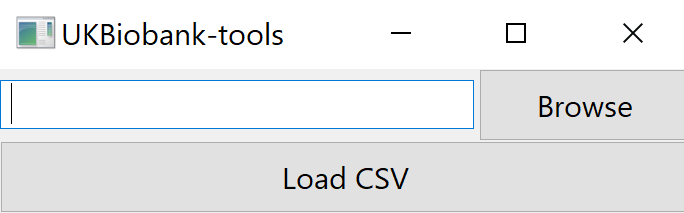
Selecting a subset of ukbiobank field variables
Sometimes we may wish to filter sub-select only a few variables for analysis. UKBiobank-tools makes it easy to filter large UK Biobank .csv files down to smaller files containing only variables of interest.
GUI
Load ukbiobank object (see above)
Select ‘select variables’ option and select desired variables.
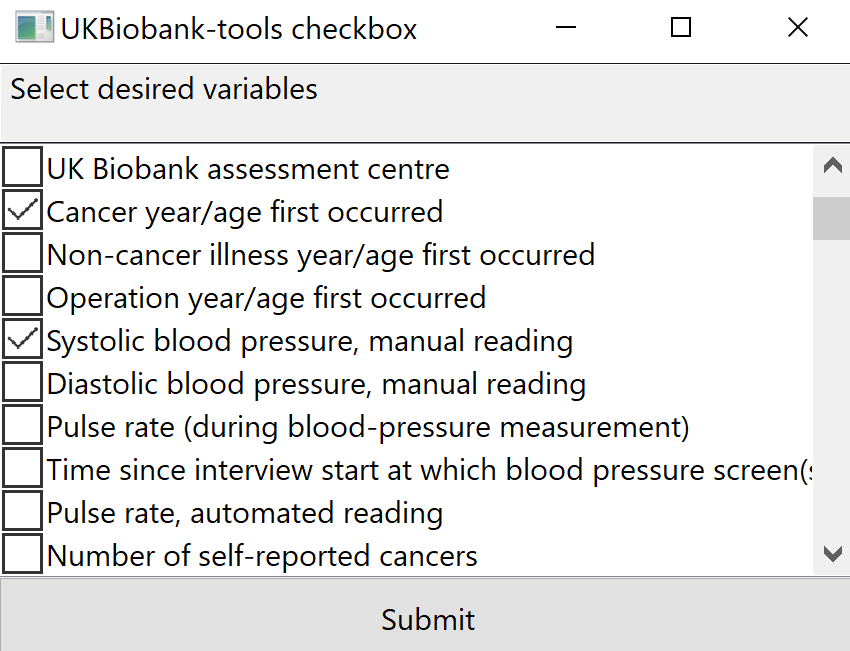
UKBiobank-tools select variables screen.
Select ‘output csv’ to save .csv file
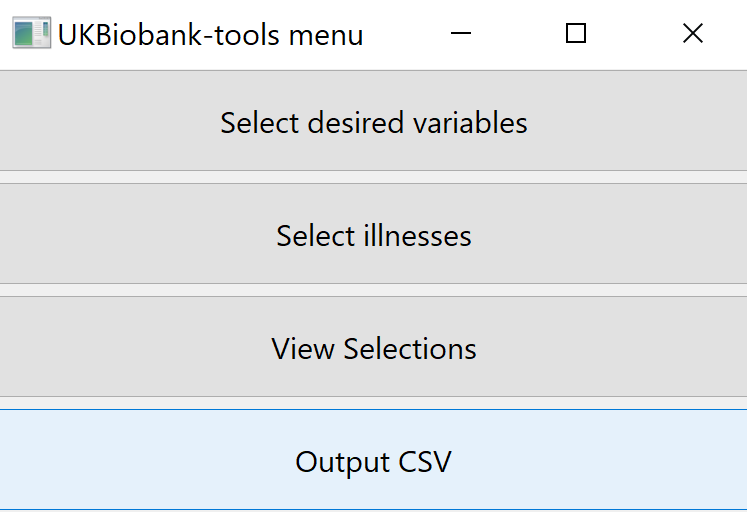
UKBiobank-tools select output csv.
CLI
# Load 'ukbio' object
ukb = ukbiobank.ukbio(ukb_csv=csv_path)

# Select desired fields
fields = ['Sex', 'Year of birth (Field ID: 34)', 'Number of treatments/medications taken']

# Import addFields function
from ukbiobank.utils.utils import addFields

# Load selected fields into dataframe
df = addFields(ukbio=ukb, fields=fields)
Certain ukbiobank fields are encoded using the same field name, for example ‘Year of birth’ may point towards Field ID 31 (collected during the assessment centre) or Field ID 22200 (collected during online follow up). In this case there are two ways in which to distinguish between these variables when using addFields:
Use the specific Field ID(s)
df = addFields(ukbio=ukb, fields=[31])
Use the field name followed by ‘(Field ID: XX)’
df = addFields(ukbio=ukb, fields=['Year of birth (Field ID: 31)'])
This method can be useful for keeping track of variables without having to remember their specific IDs. A list of all available field IDs can be requested after loading the ukbiobank object via the following command:
fieldnames = ukb.field_instance_array_df.field_name.unique().tolist()
Fields can also be added to an existing dataframe by including the df input parameter:
new_df = addFields(ukbio=ukb, df=df, fields=['Number of jobs held'])
See the addFields function for further functionality.
Selecting a subset of individuals based upon illness
UKBiobank-tools can be used to filter ukbiobank data based upon illness diagnosis. Diagnoses may be self-reported, or through cross-referenced hospital records based on ICD-9 or ICD-10 diagnostic categories.
GUI
Load ukbiobank object (see above)
Select ‘select illnesses’ option and select desired illnesses.
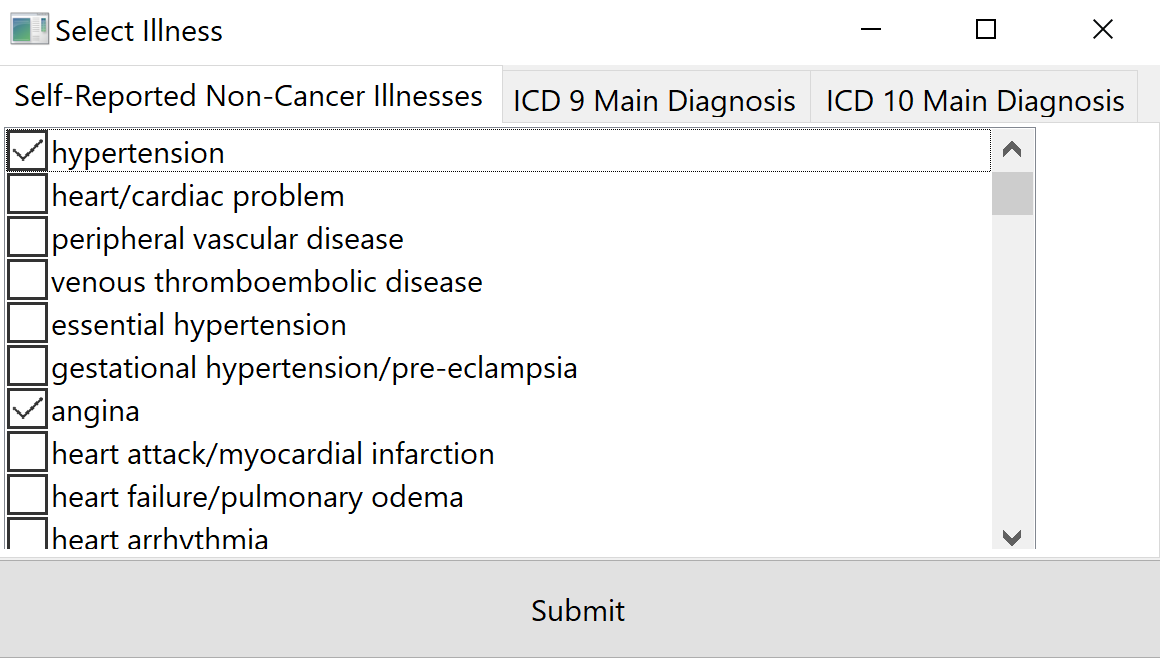
UKBiobank-tools select illness based upon self-reported diaagnosis.
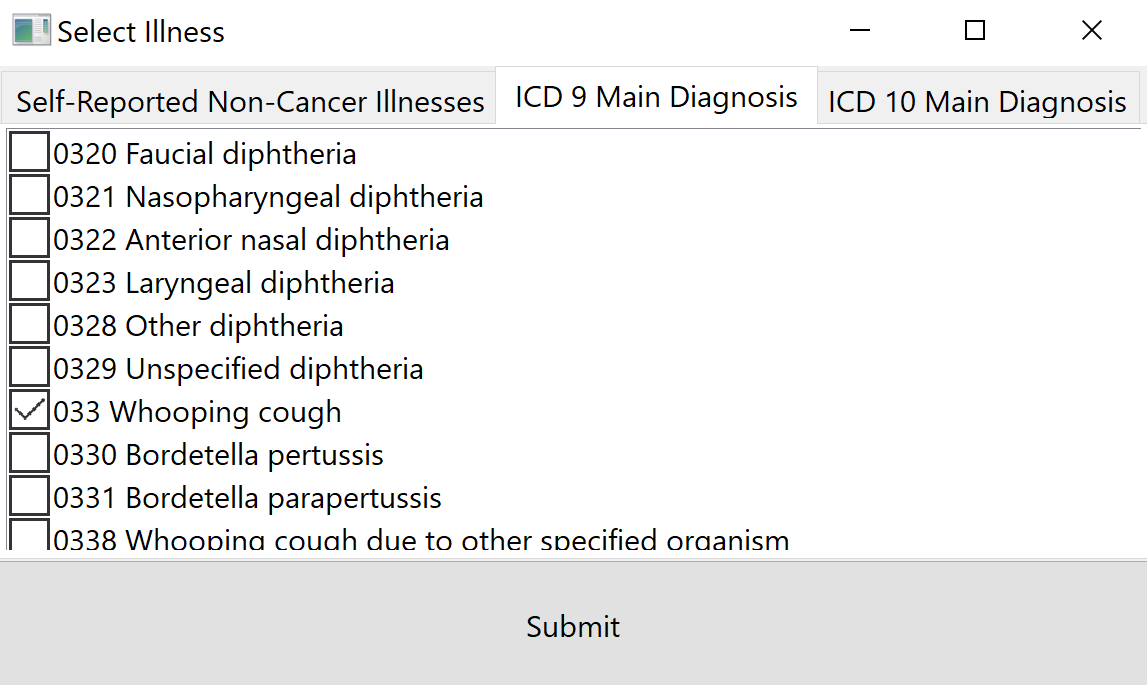
UKBiobank-tools select illness based upon cross-referenced ICD-9 diagnosis.
Select ‘output csv’ to save .csv file
CLI
Filtering based upon specific illnesses can be achieved using the filterByField function:
# Load 'ukbio' object
ukb = ukbiobank.ukbio(ukb_csv=csv_path)

# Selecting self-reported illness as desired field
self_reported_illness_field = 20002
illness = 1263 # 1263 corresponds to 'dementia/alzheimers/cognitive impairment'

# Organise field and illness into dictionary
fields_to_include = {self_reported_illness_field: illness}

# Import filterByField
from ukbiobank.filtering.filtering import filterByField

dementia_df = filterByField(ukbio=ukb, fields_to_include=fields_to_include)